Your signals win outright
Favourited, edited, or filed in an album beats every other rule. If you touched a frame, it’s the winner — no exceptions, no scoring.
Available now on the App Store
Margin
“iPhone Storage Full” is never the screenshots you meant to keep — it’s the sixteen-frame burst you never culled, the screen recording from two years ago, and the duplicate files sitting in Desktop, Documents and Downloads. Margin finds all of it, picks the best frame out of every pile, and shows you exactly what it’s about to free before it frees anything. These are real screens from the shipping app.
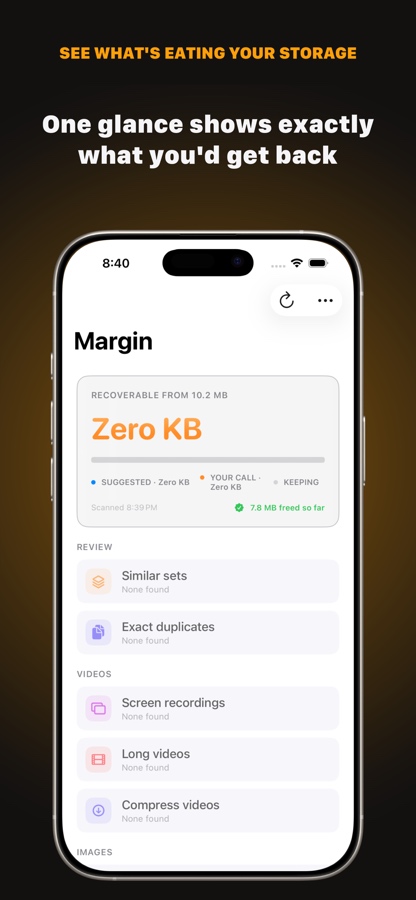
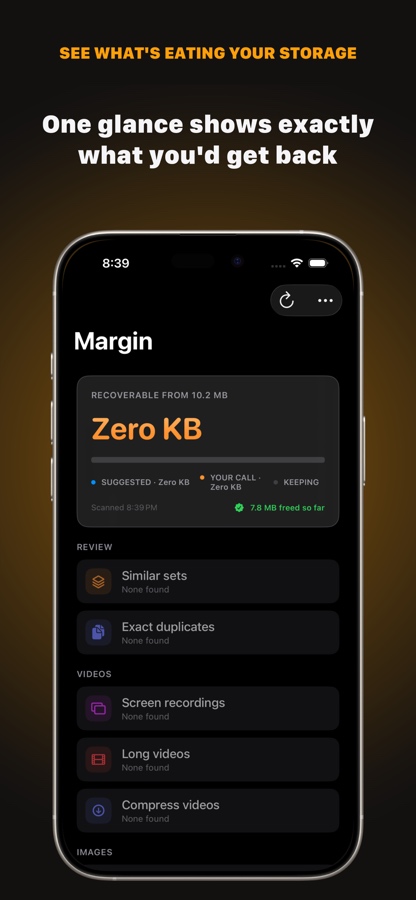
Light and dark, straight from the App Store listing
Real screens from the App Store listing — the same review-before-delete flow, the same numbers, no staged data.
See what's eating your storage
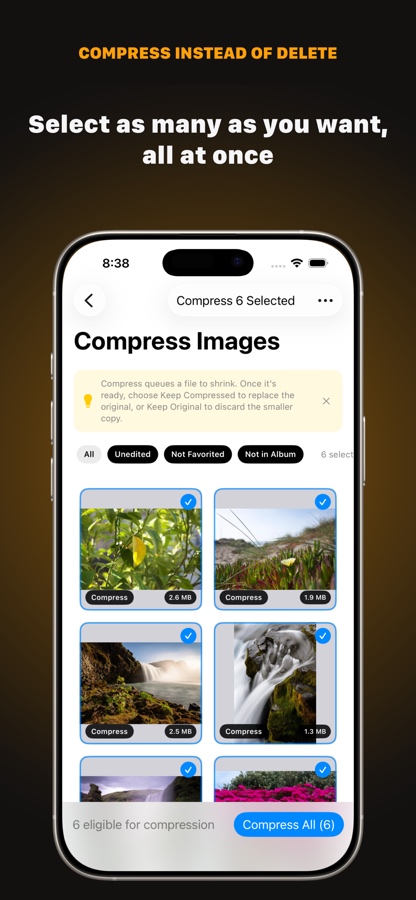
Compress instead of delete
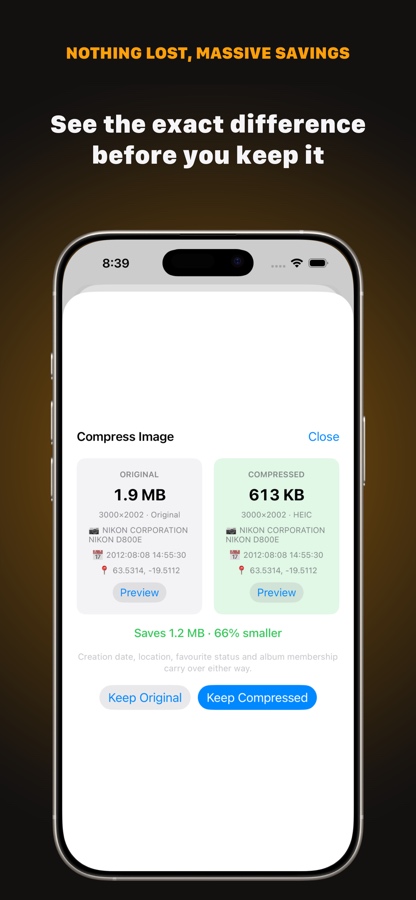
Nothing lost, massive savings
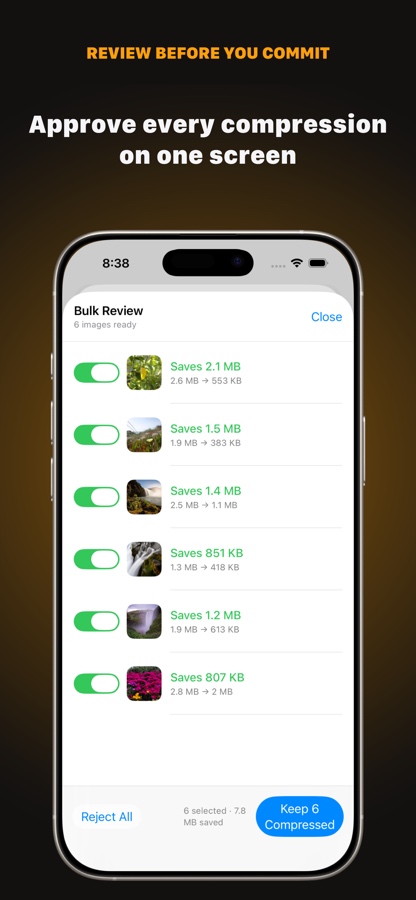
Review before you commit
Dark mode, matched screen for screen. Every review flow — Similar Sets, Exact Duplicates, Compress — looks native in both appearances, not just re-tinted.
The full App Store preview — onboarding, the home screen, compression review, and the bulk-approve flow, back to back.
No narration needed: every screen in this clip is the actual UI, doing the actual thing its label says. If you'd rather try it yourself first, the App Store listing has the same clip plus the full screenshot set.
Biggest win first, always. These five categories are shipped. The numbers below are from a real six-year, 48,000-photo, 214 GB library — nothing unusual about it.
Nothing is double-counted. A blurred frame inside a burst is claimed by one pile only, so the total at the top is a number you can actually reach — not a sum of overlapping estimates. Blurred and dark frames, forwarded media, and a few other categories are designed but not built yet — the technical design spec has the complete list and the order they’re landing in.
A short, deliberately simple tie-break — no black-box score to second-guess.
Favourited, edited, or filed in an album beats every other rule. If you touched a frame, it’s the winner — no exceptions, no scoring.
Among untouched frames, Margin keeps the one with the larger byte size, then the higher pixel count as the tiebreaker — a cheap, honest proxy for “more information” with nothing to get subtly wrong.
The suggested winner is a starting point, not a decision — every set is a full contact sheet you can override before a single photo is touched.
Every set still keeps at least one frame — that part’s enforced in the model, not just the screen, so a set can’t reach zero winners no matter what you tap. The full scoring model and where it's headed next is in the technical design spec.
Long videos and large images over a size you set can be re-encoded in place instead of removed — picked one at a time or as a batch, queued and tracked from a compression tray.
Camera, date and location metadata survive compression exactly — nothing gets stripped to save the space.
The similarity, hashing and clustering all run against Apple’s on-device frameworks — PhotoKit and Vision — with zero third-party dependencies in the shipped app. No sign-in, no sync, no subscription, nothing to have an account with.
The fuller privacy design — verifiable entitlements, sandboxed storage, an escrow export before a big clear-out — is written up in the technical design spec. Some of it is already true of the shipped app; some is still on the roadmap, and the spec says which is which. The short version, as a standalone policy, is here.
Deleting the wrong photo isn’t like deleting the wrong file. So the safety net is the product, not the small print underneath it.
A receipt screen after every clear-out is shipped. Not built yet: an escrow export before a big one — that's in the technical design spec.
Every category, every screen, the scoring model, the on-device pipeline, and an honest list of what might not work is in the technical design spec. The reasoning behind the screens themselves — why deletion looks the way it does — is in the design principles.
Free, no account, no subscription. Available today for iPhone and iPad — the Mac app, sharing the same engine, is next.